
How it works
From what you already say, to a steady stream of content.
You bring the expertise: a podcast, a webinar, a client-education talk, or just an idea. The Studio builds the pieces, you review them, and they go out on schedule under your name.
1. Bring something in
Upload a recording or paste a link to an episode or webinar. No recording? Type an idea in a sentence or two.
2. The Studio builds it
It finds the strongest moments for shorts, writes titles, descriptions and chapters, and drafts articles and social posts. Ideas become scripts you can edit.
3. You review and approve
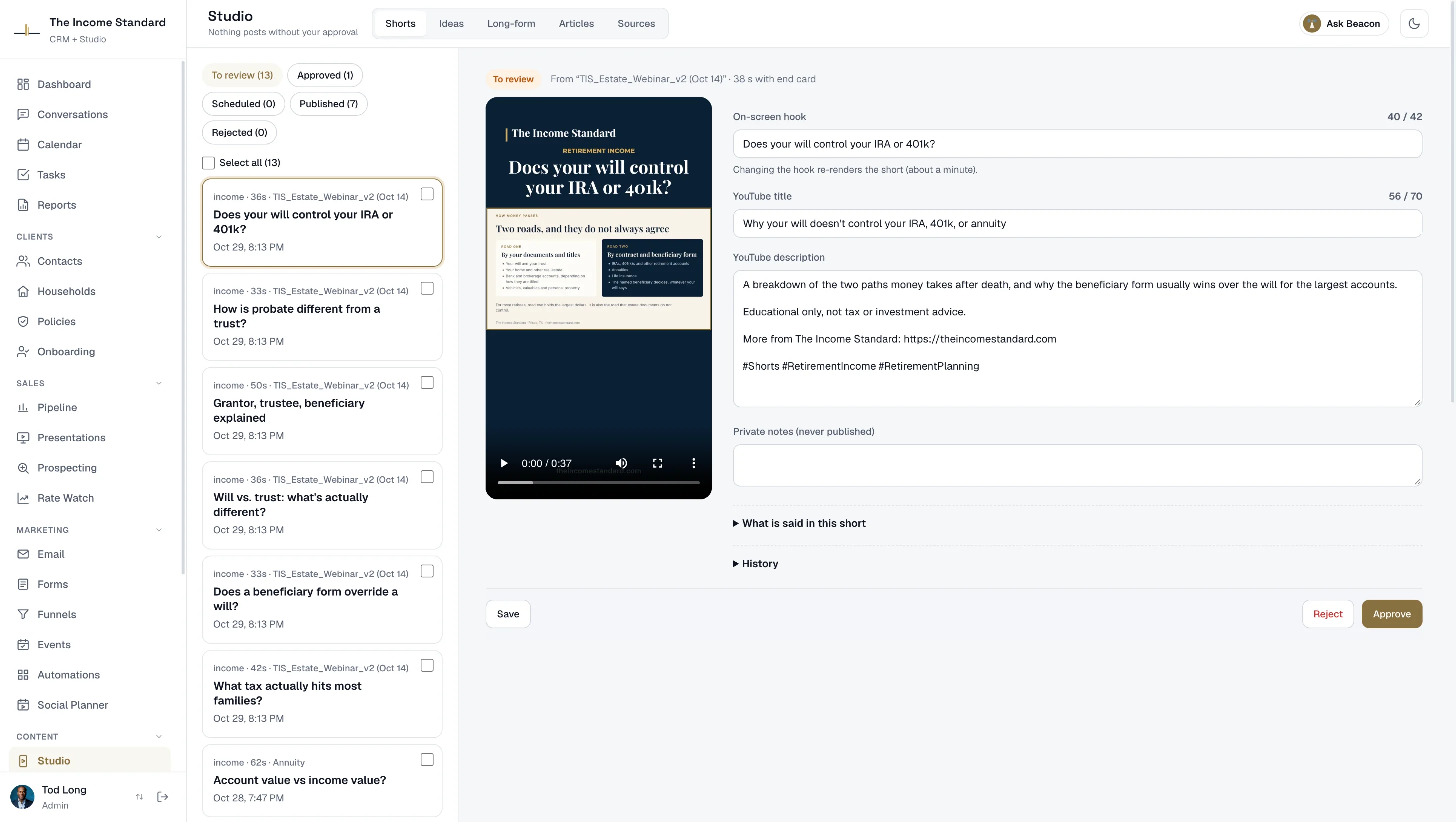
Change anything you like, one at a time or in batches. Risky wording is flagged and has to be fixed before you can approve.
4. It goes out on schedule
Approved pieces post to YouTube, LinkedIn, Facebook and Instagram at the times you choose. Articles publish to your blog.
Shorts
Vertical videos with captions, in your brand.
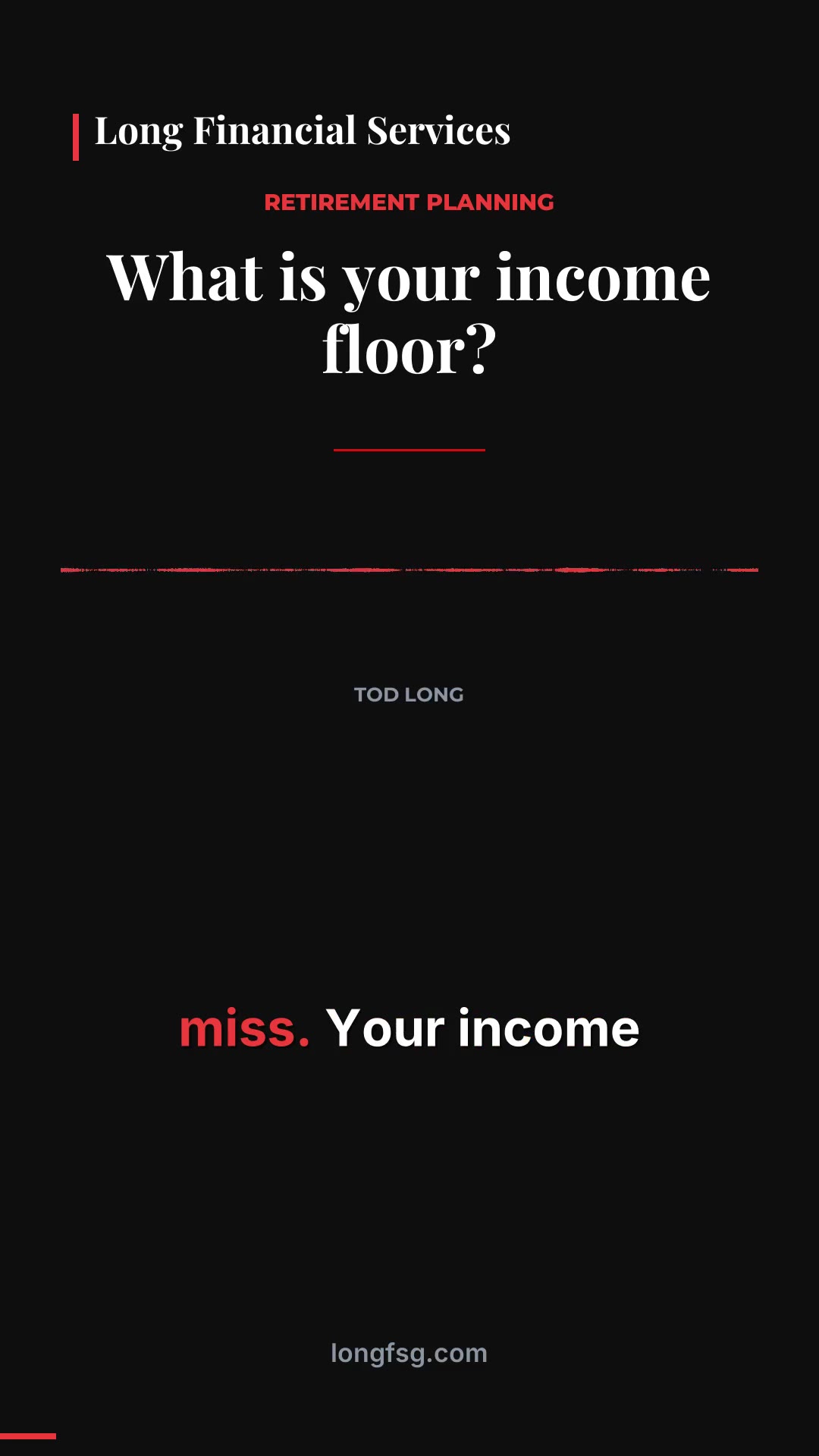
From a long recording, the Studio picks moments that stand on their own and cuts them into short vertical videos with captions, your logo and your colors.
- A hook, title and description written for each one
- Captions burned in, so they work with the sound off
- Posted as YouTube Shorts, LinkedIn videos and Facebook and Instagram Reels

No recording needed
Ideas become voiced shorts.
Write an idea and the Studio drafts a short script. Edit it, approve it, and it becomes a short video with a voice-over.
- Signal: a choice of stock voices
- Signature: your own voice, from a short sample
- Persona: you on camera, made from your own footage, with a digital twin option (reserve a spot)
Long form, social and webinars
Full YouTube videos, articles and a week of posts, too.
YouTube episodes
Full-length uploads with a title, description and chapters written from the recording, ready for your review.
Articles and your website
Articles written from your recordings and ideas, edited by you, and published to a blog on your own domain, with a website to match on content plans.
Social Autopilot
A week of posts written for you, waiting for your approval, then scheduled to your social accounts on the days you pick.
Evergreen webinars
Put a recorded webinar on a schedule. Viewers register in their own time zone, watch it play as if live with polls, questions and a timed offer, and get follow-ups based on how much they watched.
Social Planner
Schedule your own posts and first comments alongside what the Studio makes, in a list or a calendar.
A plan for the week
A weekly content plan and a Monday email with how last week's posts did, so you always know what's next.
Review and approval
Nothing goes out without you.
Every piece waits in the Studio until you approve it. The wording check helps, but it supports your own review and your firm's compliance process; it doesn't replace them.
Wording check
Promissory phrases, like guaranteed returns, are flagged and block approval until you change them. Add your own watch words.
Approval log and outside reviewers
Each approval is recorded with who approved it, when, and a copy of exactly what was approved. Bring in an outside reviewer when your compliance process calls for one.
You pick the schedule
Choose posting days and times per channel. Pause or pull anything that hasn't gone out yet.
Where it posts
YouTube, LinkedIn, Facebook and Instagram, on your schedule.
Connect your accounts once from Settings and approved pieces post on schedule: YouTube, your LinkedIn profile or company Page, your Facebook Page and Instagram. Articles go to your own blog. Run more than one brand? Each brand posts to its own accounts.
The Studio comes with the CRM.
Signal, Signature and Persona include the full CRM for up to three people.